

Codex Integrates with Chrome, AI Agent Enters Browser Workflow
OpenAI announced on Friday that Codex is now accessible via a Chrome extension in Chrome on macOS and Windows. Users are required to install the extension within the Codex application, and the feature is currently available in all regions except for the European Union and the United Kingdom.
This update does not merely add a browser entry point for Codex, but it begins to handle repetitive tasks that originally occur on web pages. Scenarios provided by OpenAI include browsing structured pages, completing complex data entry, and advancing task processes between websites and applications.
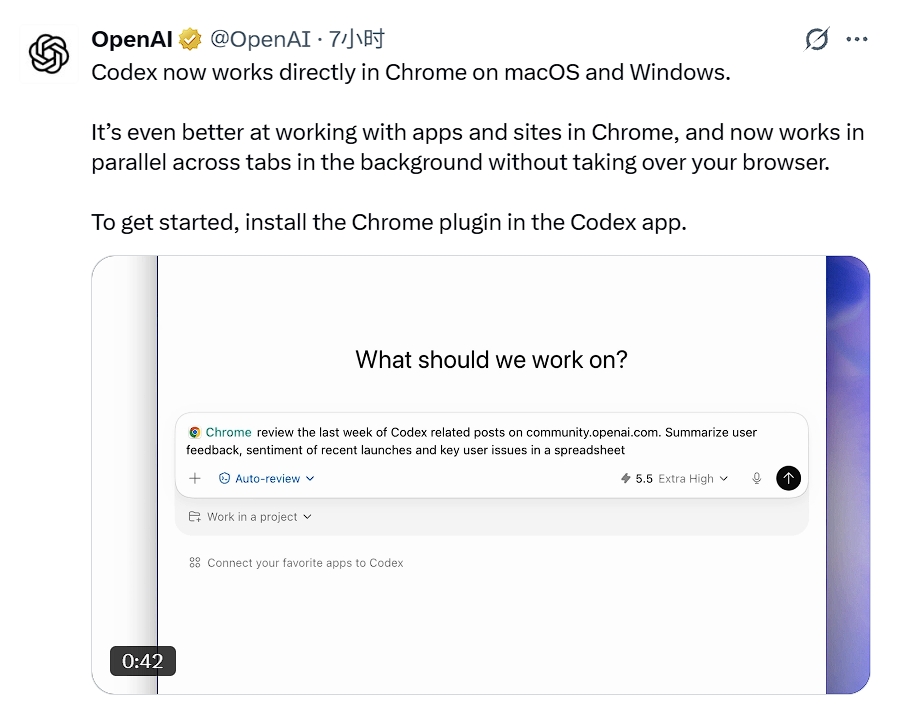
The execution method has also changed. Codex can now run in parallel across multiple tabs in the background, no longer needing to take over the user's browser, which makes it more similar to a browser agent that continuously performs tasks, rather than a one-time Q&A tool.
OpenAI also stated that Codex would choose different tools based on the task. Steps that the plugin can complete are handed over to the plugin, and when it comes to website login processes, Chrome is called upon, combining various methods as needed to complete the same task.
This expands its application boundaries from writing code to more specific workflows. Debugging browser processes, checking dashboards, conducting research, and updating CRMs are high-frequency, standardized yet time-consuming browser tasks, and they are also the areas where an AI agent can most easily demonstrate efficiency improvements.
市场有风险,内容仅供研究参考,不构成投资建议。